
Download LibreCAD – 2D CAD Design, Technical Drafting, Open-Source Tool
Overview
LibreCAD is a complimentary open-source platform designed for 2D computer-aided design, offering a robust suite of tools tailored to technical drafting needs. It empowers users to create precise and professional technical drawings across various domains, including architecture, mechanical engineering, and electrical design. The app addresses the need for accessible, accurate, and flexible CAD software without the cost barriers associated with proprietary tools.
It is particularly beneficial for students, hobbyists, educators, and independent professionals seeking a reliable solution for digital drafting. The developer has not provided additional background information beyond the app’s name and purpose. However, its open-source nature suggests community-driven development and transparency in updates and feature improvements.
Real-world use cases include drafting floor plans, schematics, circuit diagrams, and mechanical part designs. In the broader app ecosystem, LibreCAD fills a critical niche by offering a free alternative to commercial CAD platforms, promoting accessibility in technical design and supporting digital literacy in STEM fields. Its continued relevance lies in its balance of functionality, performance, and cost-effectiveness.
Key Features & Functionality
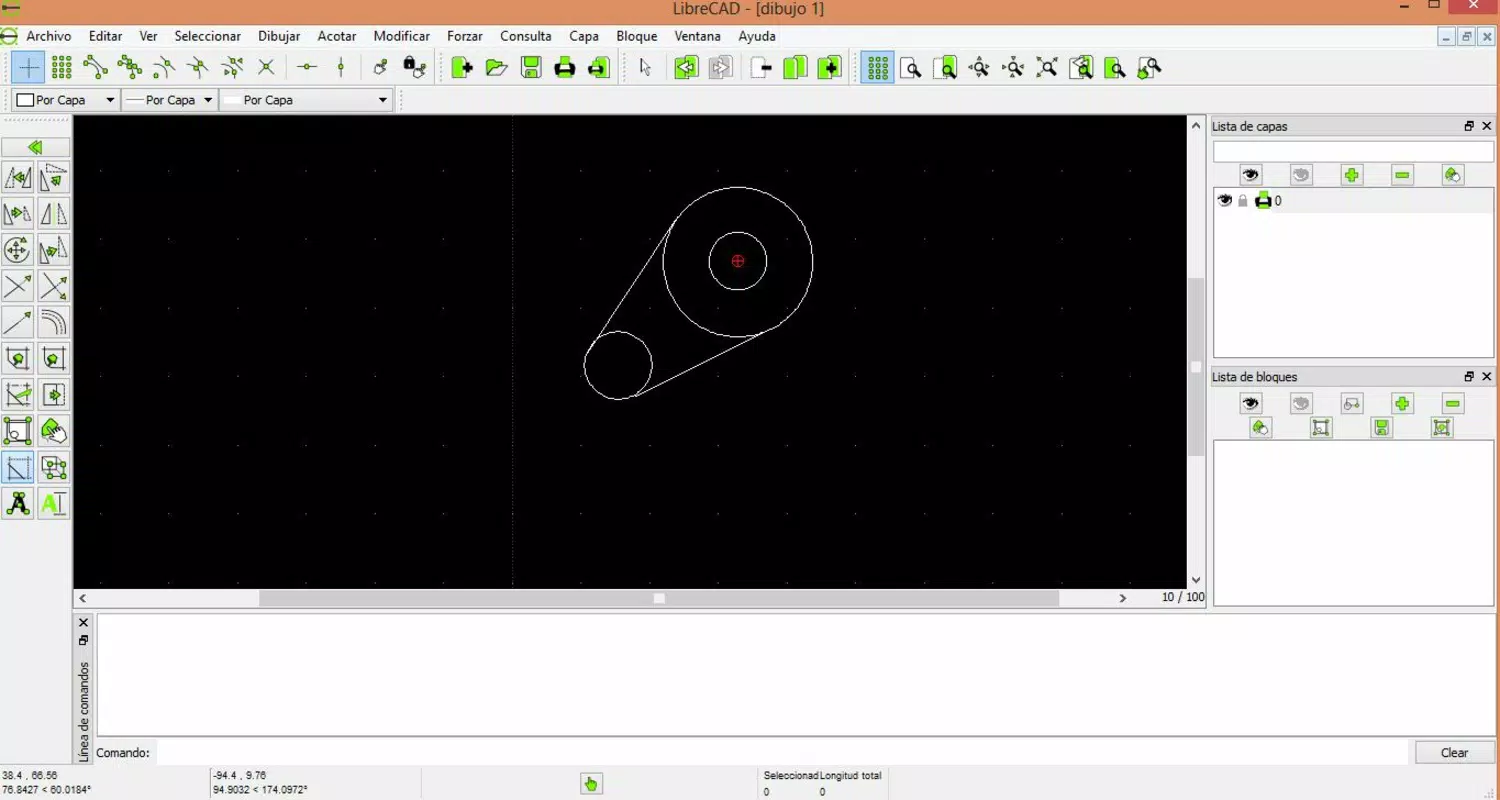
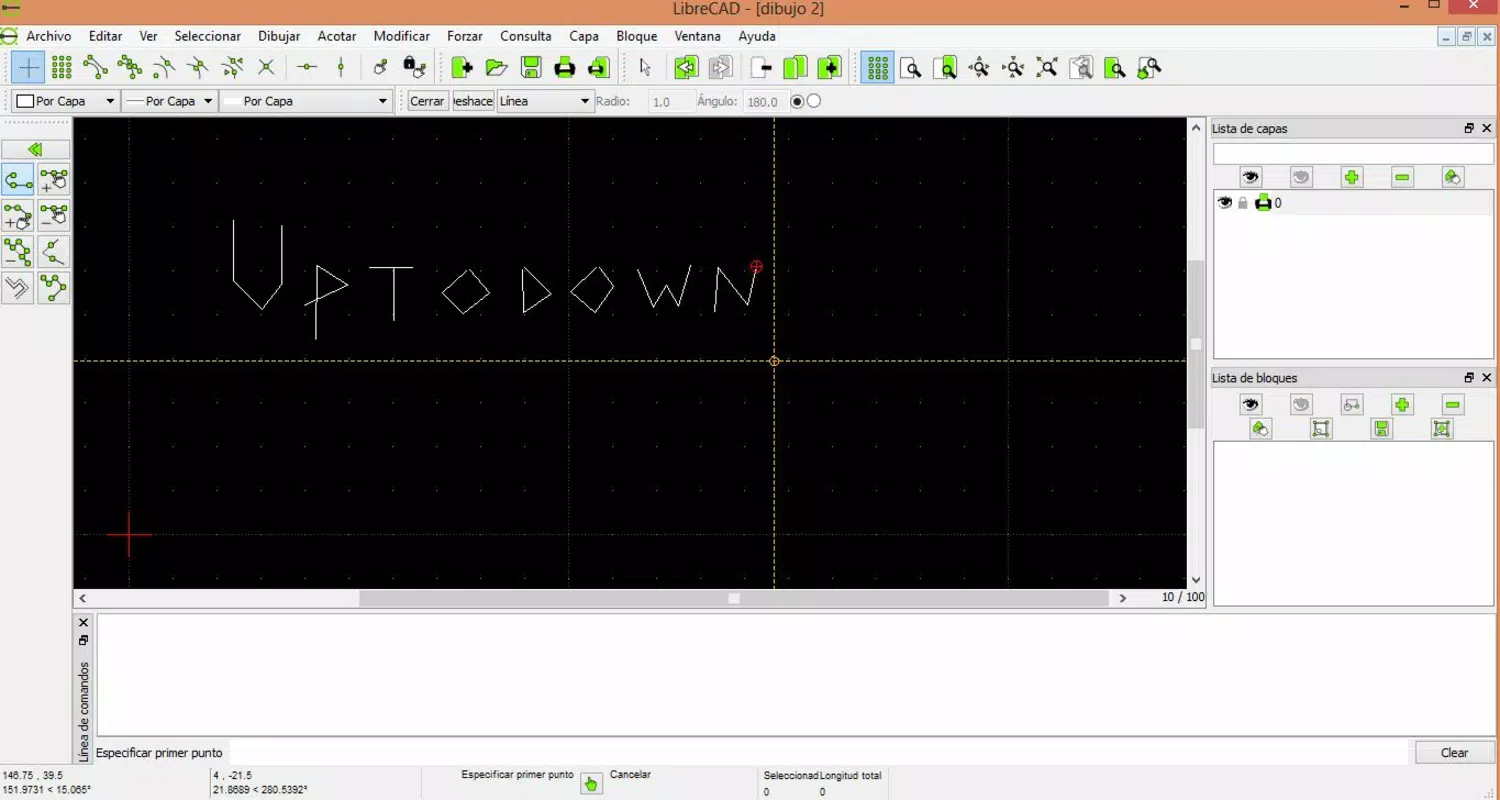
- Comprehensive Drawing Tools: Users can create and edit lines, polygons, circles, arcs, and other geometric shapes with precision. The inclusion of text annotations and dimensioning tools ensures technical drawings meet industry standards for clarity and measurement accuracy.
- Modification and Editing Tools: Functions such as move, rotate, scale, mirror, and cut allow for dynamic adjustments to existing designs, enabling iterative refinement without starting from scratch.
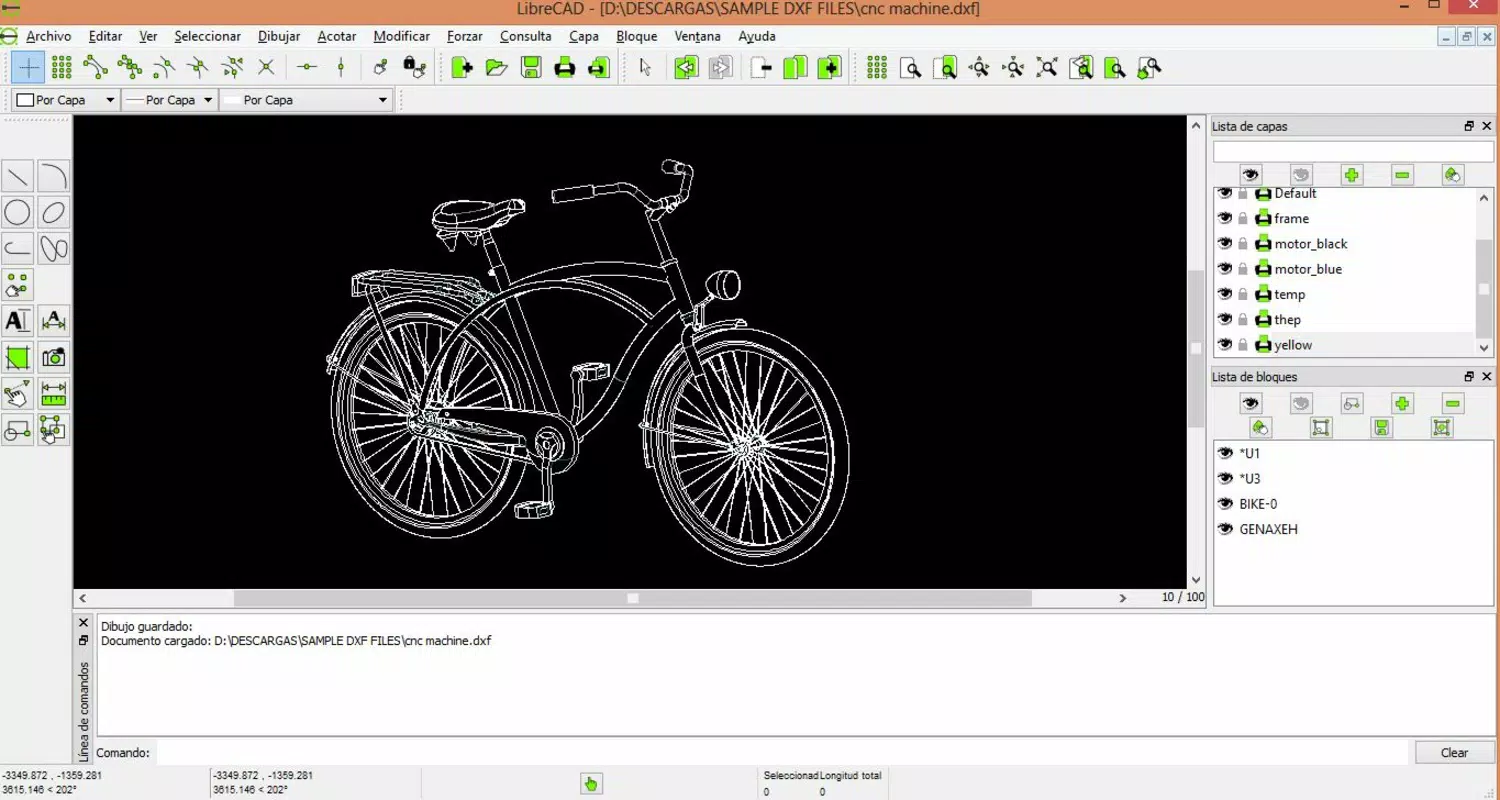
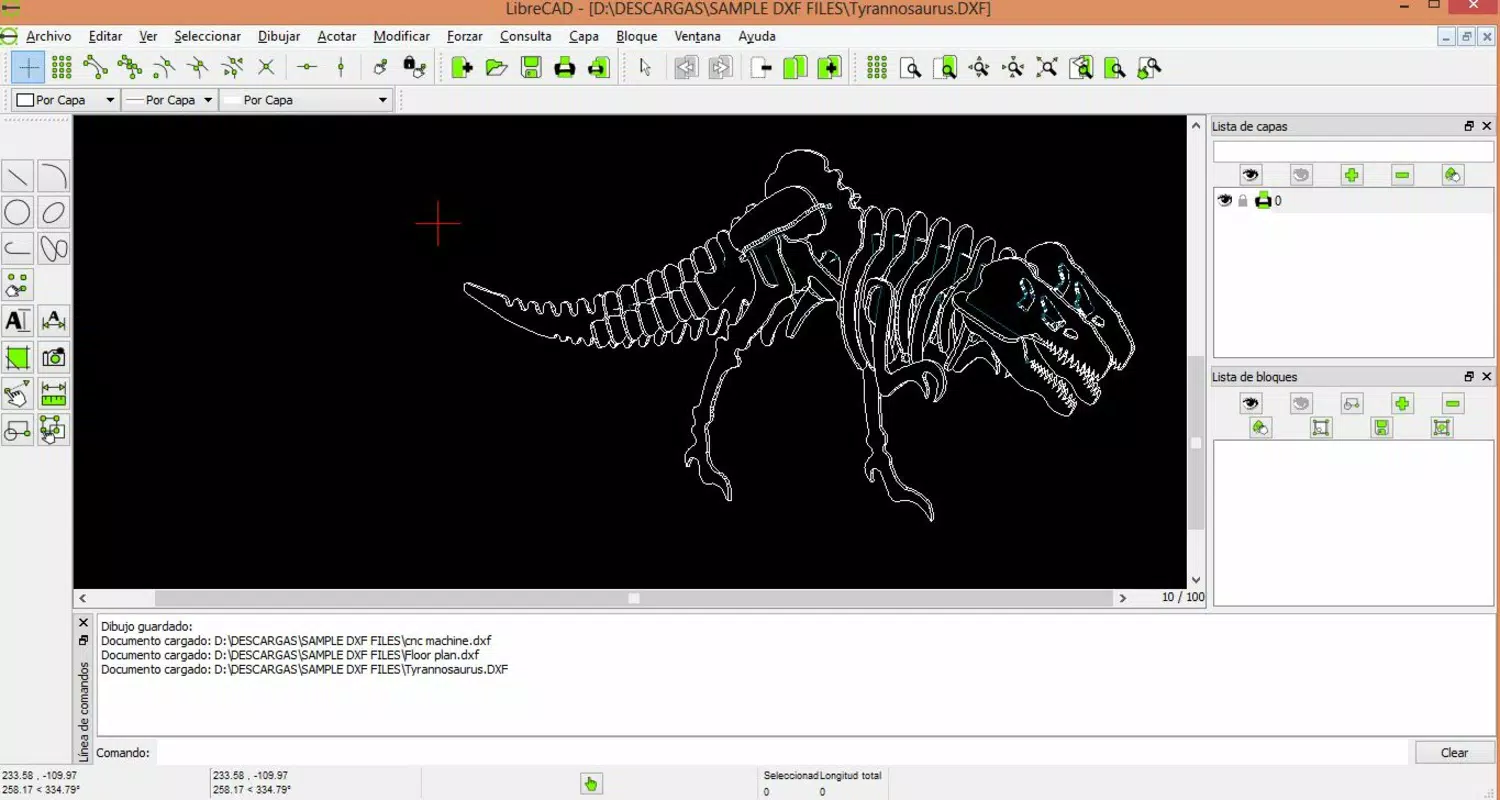
- CAD File Compatibility: The app supports DXF, a widely used CAD file format, facilitating seamless data exchange with other CAD software. It also handles LFF files and allows importing and exporting images in PNG, BMP, and JPG formats, enhancing workflow integration.
- Flexible Configuration Options: Users can customize units of measure, grid settings, line types, colors, and layer management to match project-specific requirements, making it adaptable across diverse technical disciplines.
- User-Friendly Interface: Designed with usability in mind, the interface features a clean layout with accessible toolbars and menus, reducing the learning curve for new users while maintaining efficiency for experienced drafters.
For example, an architecture student can use LibreCAD to draft a scaled floor plan, apply layering for walls, doors, and furniture, and export it as a DXF file for collaboration. Similarly, an electronics enthusiast might use the dimensioning and text tools to label circuit components and export the design as a PNG for documentation.
Interface, UX & Performance
LibreCAD features a streamlined interface with a layout focused on functionality and ease of access. The visual style is minimalistic, emphasizing tool visibility and workflow efficiency. Navigation is structured around toolbars, menus, and a workspace for drawing, allowing users to perform tasks with minimal context switching.
The app maintains a consistent interaction model across operations, which supports intuitive learning and reduces user errors. Although the developer did not list formal performance metrics, the application appears optimized for responsive operation on standard mobile devices. It demonstrates stability during extended drafting sessions and maintains smooth rendering of complex drawings.
The app responds promptly to user inputs, with minimal lag during scaling, rotation, and layer management. Compatibility information was not fully disclosed, but the design suggests it is intended for devices with moderate processing power and screen resolution. Overall, the user experience reflects a balance between accessibility and technical capability, suitable for both casual and professional use.
Platform Compatibility & Technical Requirements
LibreCAD is available on the Android platform, supporting the latest version of the operating system as of its release date. The app has a file size of 38.7 MB, which is relatively compact for a CAD application. Specific requirements were not listed, and the developer did not specify minimum OS versions or hardware capabilities.
The app may function on devices with standard Android capabilities, though performance may vary based on screen size, RAM, and processor speed. The developer did not provide information on iOS compatibility, so users should assume it is currently Android-only. No additional system dependencies were mentioned.
The app is distributed as a free download, with no in-app purchases or subscription models.
Pros and Cons
Pros
- Completely free and open-source, eliminating licensing costs.
- Supports standard CAD file formats like DXF for interoperability.
- Offers extensive customization for units, grids, layers, and visual settings.
- Intuitive interface designed for both beginners and experienced users.
- Lightweight file size enhances download and installation speed.
Cons
- Compatibility with specific Android versions was not disclosed.
- No official iOS version currently available.
- Developer did not provide detailed performance benchmarks or system requirements.
- Limited documentation for new users outside the app interface.
- Advanced features may require a learning curve despite the user-friendly layout.
FAQ
Is LibreCAD safe to download and use?
Yes, LibreCAD is a free and open-source application, which means its source code is publicly available for review. This transparency enhances security and reduces the risk of hidden malware or unauthorized data collection.
Can I use LibreCAD for professional technical drawings?
Yes, the app includes tools for precise measurements, dimensioning, and layer management, making it suitable for professional-grade 2D technical drawings in fields such as architecture, engineering, and electronics.
Does LibreCAD support file sharing with other CAD software?
Yes, LibreCAD supports DXF, a widely adopted CAD file format, enabling seamless file exchange with other CAD programs. It also allows importing and exporting images in common formats like PNG, BMP, and JPG.
Is LibreCAD available on iOS devices?
The developer did not specify iOS compatibility. Based on current information, LibreCAD is only confirmed to be available on Android.
How often is LibreCAD updated?
Updates are released periodically by the development team. The latest version was published on February 20, 2025. Users are encouraged to check for updates regularly to access new features and improvements.
Final Thoughts
LibreCAD stands out as a powerful, accessible, and cost-free solution for 2D technical drafting on mobile devices. Its combination of robust tools, file compatibility, and customizable settings makes it a valuable asset for students, educators, and professionals across multiple industries. While the lack of detailed system requirements and iOS availability are limitations, the app’s lightweight design and open-source foundation ensure long-term viability and community support. For anyone seeking a secure, efficient, and free CAD tool, LibreCAD delivers tangible value without compromise. Download LibreCAD now.


